The Drupal faculty multisite platform typically uses a shared base theme provided by the UTM Web Team. However, you may be able to make limited visual adjustments.
Three themes are installed by default on your site:
Template UofT Blue (View demo site)Gin 4.0.2 (administration theme)Template Customized (View demo site)
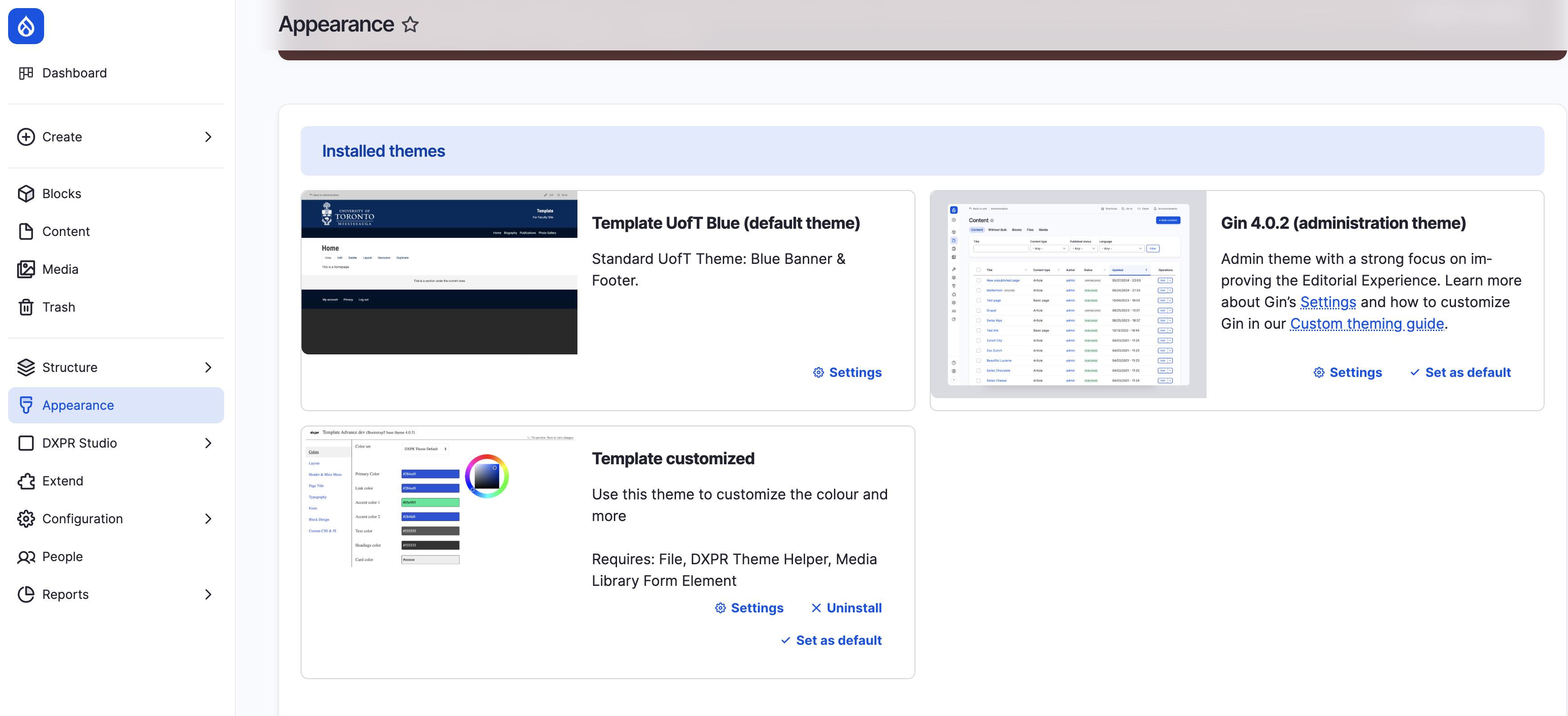
To change your current theme:
- Go to: Appearance
sites.utm.utoronto.ca/yoursitename/admin/appearance
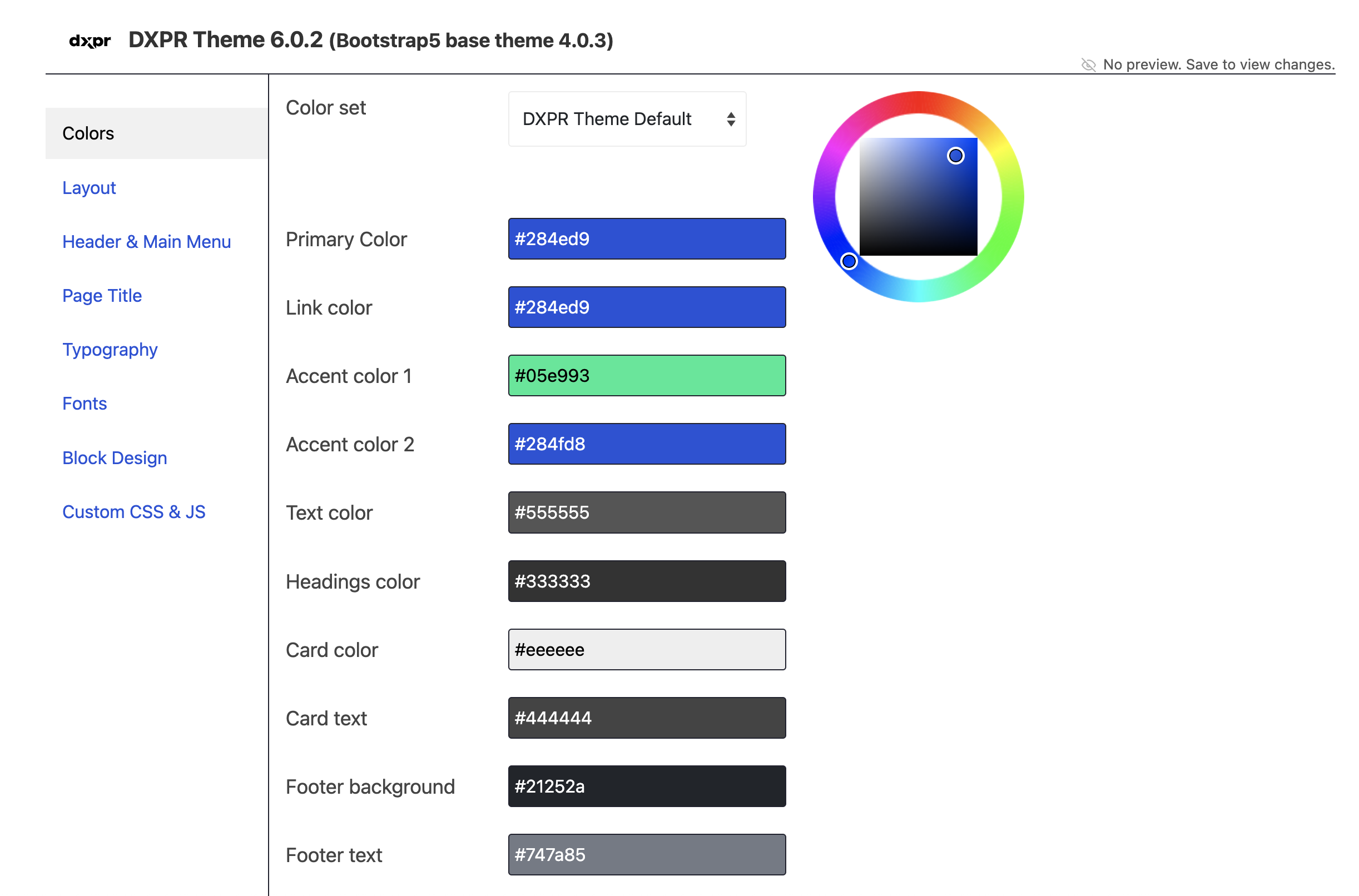
Your default site theme will be listed as "Enabled." The standard UTM logo and favicon are already included in the template. - If you intend to use a more customized layout, color scheme, and other visual elements, switch the default theme to "Template Customized."
For additional assistance, please contact the Web Team: web-admin-utm@library.utoronto.ca