- Log in to your site using your UTORid.
- From the admin toolbar on the left side, go to:
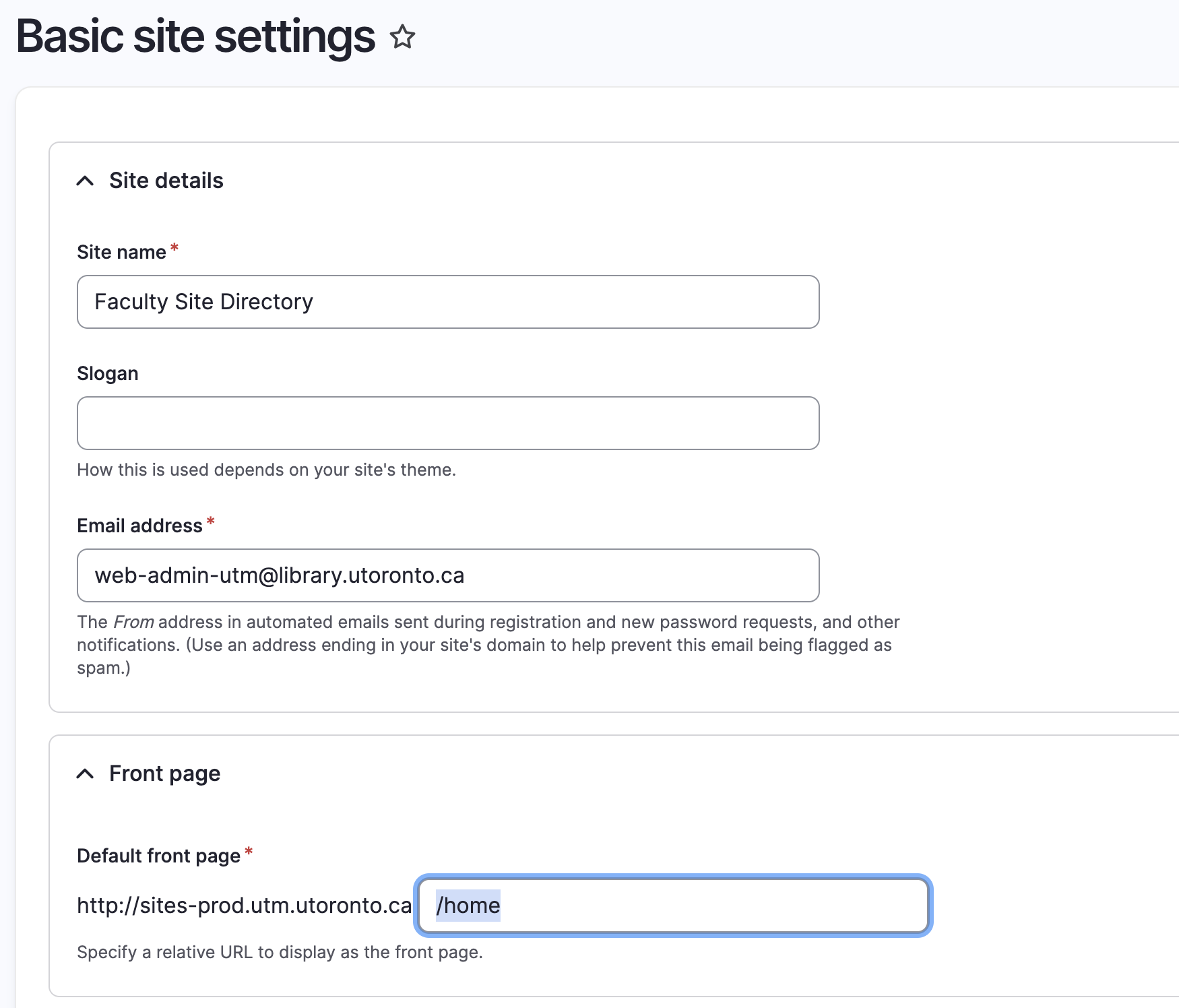
Configuration → System → Basic site settings (/admin/config/system/site-information) - Under Default front page, enter the path to the desired page (
e.g.,/home). - Click Save configuration to apply changes.
📸 Screenshot: