- Log in using your UTORid.
- From the admin menu, go to:
Create → Photo Gallery - Enter a Title and Description content.
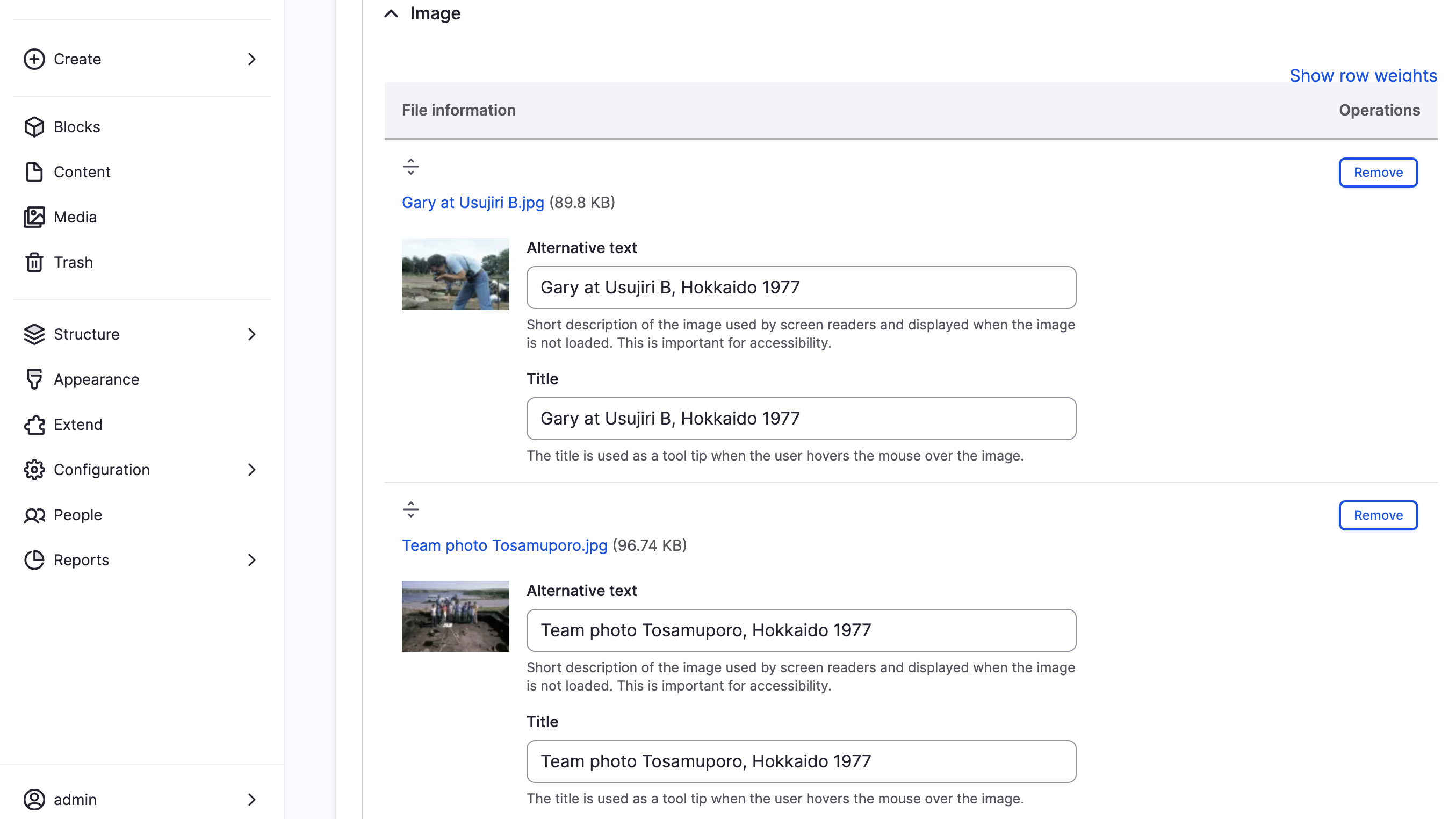
- Click Add a new file under Image.
- Rearrange images by dragging them into order.
- Under URL Alias, enter a custom path (e.g.,
/my-research-photos) if needed. - Click Save.
📸 Screenshot: